
Government E-Marketplace
Grow Your Business with GeM Portal Access
What exactly is GeM?
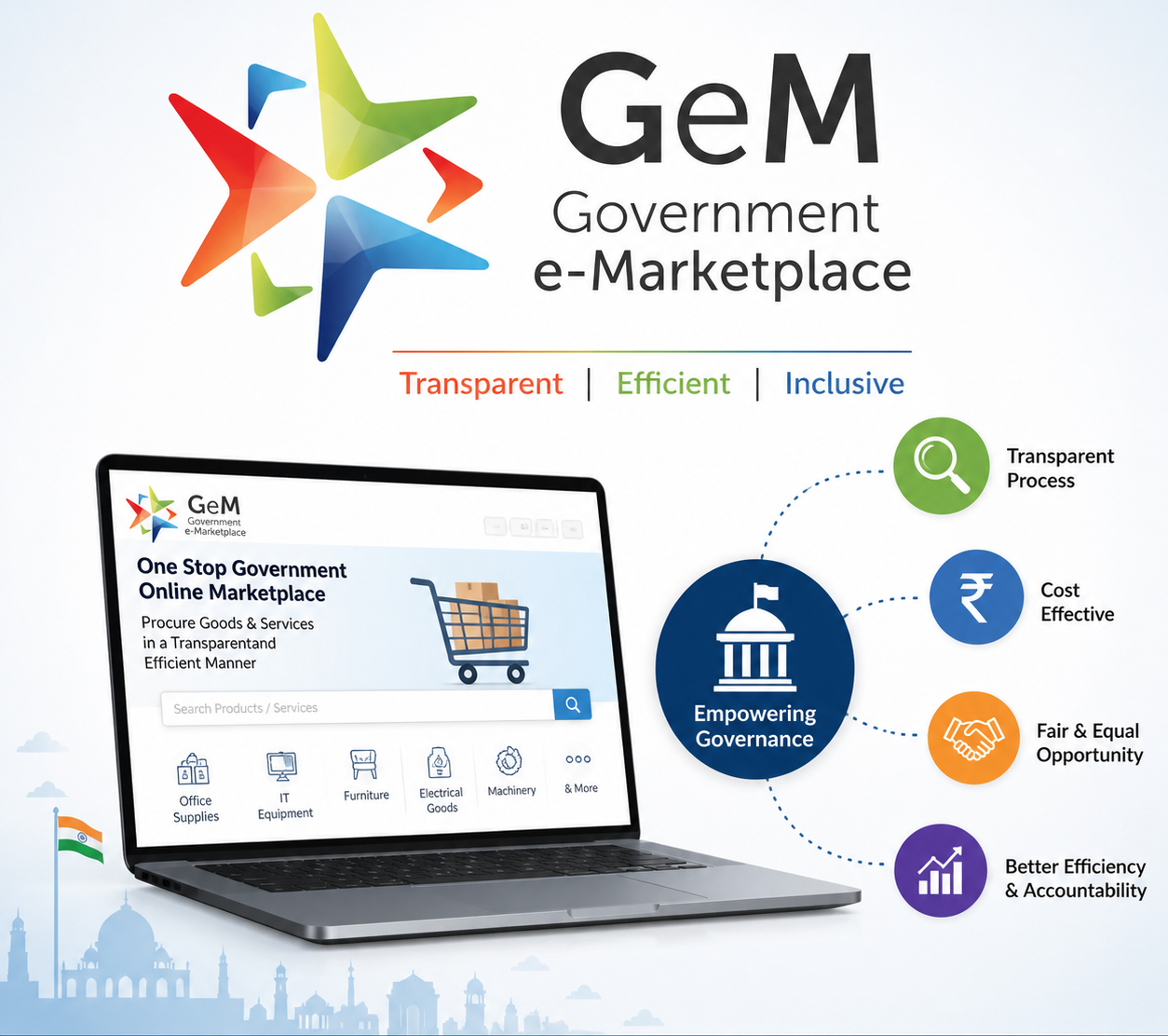
Government e-Marketplace (GeM) is the central online public procurement portal of India. It functions as a unified digital marketplace where government buyers and registered sellers transact for goods and services.
Key structural details:
Launch Date:
9th August 2016
Nodal Ministry:
Ministry of Commerce & Industry, Department for Promotion of Industry and Internal Trade (DPIIT)
Operating Entity:
GeM SPV – a Government-owned Section 8 (Not-for-Profit) Company under the Companies Act, 2013. This structure allows it to operate with autonomy while remaining under government oversight.
Access:
https://gem.gov.in. It is the single national portal for procurement by government entities.
Purpose of GeM
GeM was introduced to replace the fragmented, paper-based tendering system that existed for common-use goods and services. The specific purposes are:
1. Facilitate Online Procurement:
Create a centralized platform where all Central Govt Ministries, Departments, CPSEs, and State Govts can procure goods and services online. This covers everything from stationery and furniture to vehicles, computers, and manpower services.

2. Replace Manual Tendering:
Before GeM, common items were bought through individual tenders, newspaper ads, and physical files. GeM standardizes the catalog and process for such items, making procurement like e-commerce.
3. Core Objectives:
Transparency: Every action from bid creation to payment is logged online with timestamps. This reduces human discretion and scope for manipulation.
Efficiency: Reduces procurement cycle time. The Direct Purchase mode takes minutes vs weeks in manual tenders.
Speed: Online approvals, automated evaluation in L1/Bid modes, and integrated payment reduce delays.
Legal Mandate
The use of GeM is backed by law and government policy, not optional:
1. GFR Rule 149:
The General Financial Rules, 2017 are the rules governing public expenditure. Rule 149 states that procurement of goods and services by Ministries or Departments of Central Government shall be made mandatorily through GeM for items available on the portal. This makes GeM the first choice by law.
2. Applicability:
Mandatory: For all Central Government Ministries, Departments, and their attached/subordinate offices.
Adopted: Most Central PSUs, autonomous bodies, and 36 States/UTs have issued orders to use GeM via MoUs.
3. Implication:
If a product or service is listed on GeM, the government buyer cannot float a separate tender outside GeM without recording specific reasons. This ensures consolidation of demand on one platform.
Who uses GeM
GeM has two main user groups: Buyers and Sellers. Registration is mandatory for both to transact on the portal.
Buyers on GeM
These are entities that spend public money to procure goods and services. They are divided into these categories:
A. Central Government Buyers
- Ministries: All ministries like Finance, Defence, Health, Education, Railways
- Departments: Attached and subordinate departments under each ministry
- CPSEs: Central Public Sector Enterprises like ONGC, BHEL, NTPC, SAIL
- Autonomous Bodies: Institutions funded by Central Govt like AIIMS, IITs, IIMs, Kendriya Vidyalaya Sangathan
- Other Central Entities: Defence forces, CAPFs, CAG, UPSC
- Rule: As per GFR Rule 149, it is mandatory for all above to buy via GeM if the item/service is available on the portal.
B. State Government Buyers
- State Departments: All state-level departments of 36 States/UTs
- State PSUs: State-owned corporations and boards
- Local Bodies: Municipal Corporations, Panchayati Raj Institutions, Zila Parishads
- State Autonomous Bodies: State universities, government hospitals, schools
- Note: States use GeM through MoUs signed with GeM SPV. Most states have made it mandatory via their own finance rules.
Buyer Roles on Portal
On GeM, government buying is not done by one person. It’s split into 4 specific roles to ensure checks, accountability, and separation of duties. Each role has different rights on the portal.
1. Primary User
Who: Head of Department/Office – like Joint Secretary, Director, HOD, CEO of PSU.
How Created: First user of the organization on GeM. Registers using gov.in/nic.in email ID and verifies via Aadhaar.
Powers:
- 1. Administrative Control: Can create, approve, or deactivate Secondary Users in their organization
- 2. Financial Approval: Is the final approver for procurements above certain limits set by their department
- 3. Policy Setting: Defines delegation of financial powers for Secondary Users
- 4. Accountability: Legally responsible for all procurement done by their organization on GeM
- Cannot Do: Cannot place orders directly. Must delegate to Secondary Users.
2. Secondary User
Who: Officers working under Primary User – like Under Secretary, Section Officer, Purchase Officer.
How Created: Added by Primary User. Multiple Secondary Users can exist.
Powers:
- 1. Operational Work: Creates carts, compares products, initiates bids/RA, generates contracts
- 2. Financial Limit: Can approve purchases only up to the limit set by Primary User. Example: Up to ₹25,000 for Direct Purchase
- 3. Order Placement: Issues contracts and purchase orders within delegated powers
- Cannot Do: Cannot exceed financial limit set for them. Cannot create other users.
3. Consignee
Who: Officer at the location where goods/services will be delivered – like Store Keeper, Site In-charge, Hospital Admin.
How Created: Added by Primary/Secondary User while creating order.
Powers:
- 1. Receipt: Physically receives goods or verifies service completion
- 2. CRAC Generation: Issues "Consignee Receipt & Acceptance Certificate" on GeM after verifying quantity and quality
- 3. Rejection: Can reject items on portal if defective/wrong
- Important: Payment to seller is released only after Consignee generates CRAC. This is the most critical step for payment.
- Cannot Do: Cannot place orders or make payments.
4. Paying Authority (PA)
Who: Accounts/Finance Officer – like PAO, DDO, Accounts Officer of the department.
How Created: Tagged by Primary/Secondary User during order creation.
Powers:
- 1. Bill Processing: Receives invoice from seller on GeM after CRAC
- 2. Payment: Releases payment through PFMS integration within 10 days of CRAC
- 3. Deductions: Applies TDS, GST, penalties if any
- Cannot Do: Cannot create orders or accept goods.
How they work together – Order Flow:
- 1. Secondary User → Creates cart → Sends for approval if above limit
- 2. Primary User → Approves if needed → Order placed
- 3. Seller → Delivers to Consignee
- 4. Consignee → Verifies → Generates CRAC on GeM
- 5. Paying Authority → Gets invoice → Pays seller via PFMS

Sellers Role on GeM
On GeM, “seller” is not just one role. It’s split into specific functions and responsibilities. Here’s what each seller does on the portal:
1. Core Role: Product/Service Listing & Catalog Management
What they do:
- 1. Upload Catalog: Add products or services with technical specs, images, MRP, warranty, delivery period
- 2. Maintain Prices: Update prices regularly. GeM has “Market Price Reasonability” checks – you can’t overcharge vs market
- 3. Stock Update: Mark stock availability. If you can’t deliver, you must decline order within 2 days
- 4. Compliance: Ensure all listings meet BIS, ISO, or other mandatory standards. Upload certificates on portal
2. Role: Bid Participation & Order Acceptance
What they do:
- 1. Respond to Bids/RAs: Submit technical + financial bids for orders > ₹5 Lakh. Participate in live Reverse Auctions
- 2. Accept Direct Orders: For Direct Purchase up to ₹25,000 and L1 up to ₹5 Lakh, you get direct order notification. Must accept/reject in 2 days
- 3. Contract Generation: Once you win a bid or accept order, GeM auto-generates a digital contract. You’re legally bound to supply
3. Role: Order Fulfillment & Delivery
What they do:
- 1. Dispatch: Deliver goods to Consignee address mentioned in contract within “Delivery Period” you quoted
- 2. Upload Documents: Upload e-Invoice, delivery challan, warranty card on GeM portal
- 3. Service Execution: For services, deploy manpower/complete work as per SLA and upload monthly performance reports
- Key Rule: If you fail to deliver on time, buyer can levy Liquidated Damages up to 10% and cancel order.
4. Role: Post-Delivery Compliance
What they do:
- 1. CRAC Follow-up: Coordinate with Consignee to get “Consignee Receipt & Acceptance Certificate” generated on portal
- 2. Invoicing: Submit invoice on GeM only after CRAC is issued. No CRAC = No payment
- 3. Warranty Service: Provide after-sales service for warranty period declared in catalog
5. Role: Performance & Reputation Management
What they do:
- 1. Maintain Ratings: Buyer rates you 1-5 stars after each order on quality, delivery, service. Rating visible to all buyers
- 2. Resolve Disputes: Respond to buyer complaints via “Incident Management” module within timelines
- 3. Avoid Penalties: Bad ratings, order cancellations, or quality complaints lead to warning → suspension → debarment from GeM
Debarment Period: 6 months to 3 years depending on violation.

6. Special Roles Based on Seller Type
| Seller Type | Additional Role on GeM |
|---|---|
| OEM |
1. Approve/Reject reseller requests 2. Define MRP and warranty terms for all resellers 3. Update technical specs for entire brand |
| Authorized Reseller |
1. Must sell only OEM-approved products 2. Cannot change technical specs – only price/stock 3. Route warranty claims to OEM |
| Service Provider |
1. Upload monthly SLA reports 2. Deploy manpower with proper KYC, PF/ESI compliance 3. Bill monthly based on buyer attendance certification |
| MSME/Startup |
1. Claim EMD exemption in bids 2. Use “L1 Matching” option if eligible 3. Upload Udyam/DPIIT certificate for benefits |
7. Financial Role
- Receive Payment:Via PFMS directly to bank account within 10 days of CRAC + invoice
- Pay Fees: GeM is free to register. Transaction charges apply only for orders > ₹5 Lakh: 0.5% of order value, capped at ₹10 Lakh
- Manage TDS/GST: GeM auto-deducts TDS u/s 194O and GST. Seller gets net payment
Documents Required for GeM Seller Registration
1. Mandatory for All Sellers
| Document | Details |
|---|---|
| PAN Card | PAN of firm/company. For proprietorship: proprietor’s PAN |
| Aadhaar Card | Aadhaar of authorized signatory. Used for e-sign verification |
| Bank Account Proof | Cancelled cheque OR bank statement OR passbook first page. Account name must match firm name |
| Business Address Proof | Electricity bill / GST certificate / Rent agreement / Property tax receipt |
| Email ID & Mobile | Active email and mobile. Must be in name of authorized person. OTP verification done |
2. Based on Business Constitution
| Entity Type | Additional Documents |
|---|---|
| Proprietorship |
1. GST Certificate if applicable 2. Shop & Establishment Certificate OR Trade License |
| Partnership Firm |
1. Partnership Deed 2. Firm PAN Card 3. GST Certificate |
| LLP |
1. LLP Agreement 2. Certificate of Incorporation 3. LLP PAN |
| Private/Public Ltd Company |
1. Certificate of Incorporation from MCA 2. MOA & AOA 3. Board Resolution for authorized signatory 4. Company PAN |
| Society/Trust/NGO |
1. Registration Certificate 2. Bye-laws 3. PAN of entity |
3. Tax & Compliance Documents
- 1. GSTIN Certificate: Mandatory if turnover > ₹40 Lakh for goods / ₹20 Lakh for services. If exempt, upload declaration
- 2. Udyam Registration: Mandatory to avail MSME benefits. Get from https://udyamregistration.gov.in
- 3. ITR: Latest Income Tax Return may be asked during vendor assessment for high-value orders
4. For OEM – Additional Documents
- 1. Factory License: From State Govt
- 2. Manufacturing Proof: BIS License / ISO Certificate / MSME Udyam showing manufacturing
- 3. Product Certificates: BIS, ISI, ISO, CE, FDA as applicable to your product category
5. For Authorized Reseller – Additional Documents
- 1. OEM Authorization Letter: On OEM letterhead, specifically mentioning authorization for GeM. Must include validity date and product categories
- 2. OEM’s GeM Seller ID: Your OEM must be registered on GeM first
6. For Service Providers – Additional Documents
- 1. License: PSARA for security services, Labour License for manpower >20, Trade License for specific services
- 2. EPFO & ESIC: Registration numbers if manpower >20
- 3. Past Experience: Work orders + completion certificates for bid eligibility
7. For Startups – Additional Documents
- DPIIT Certificate: Startup India recognition certificate
8. For SHGs/Artisans – Additional Documents
- 1. SHG Certificate: From NRLM/SRLM or local panchayat
- 2. Artisan ID: Issued by DC Handicrafts/Handlooms if available
Table of Contents
Toggle